
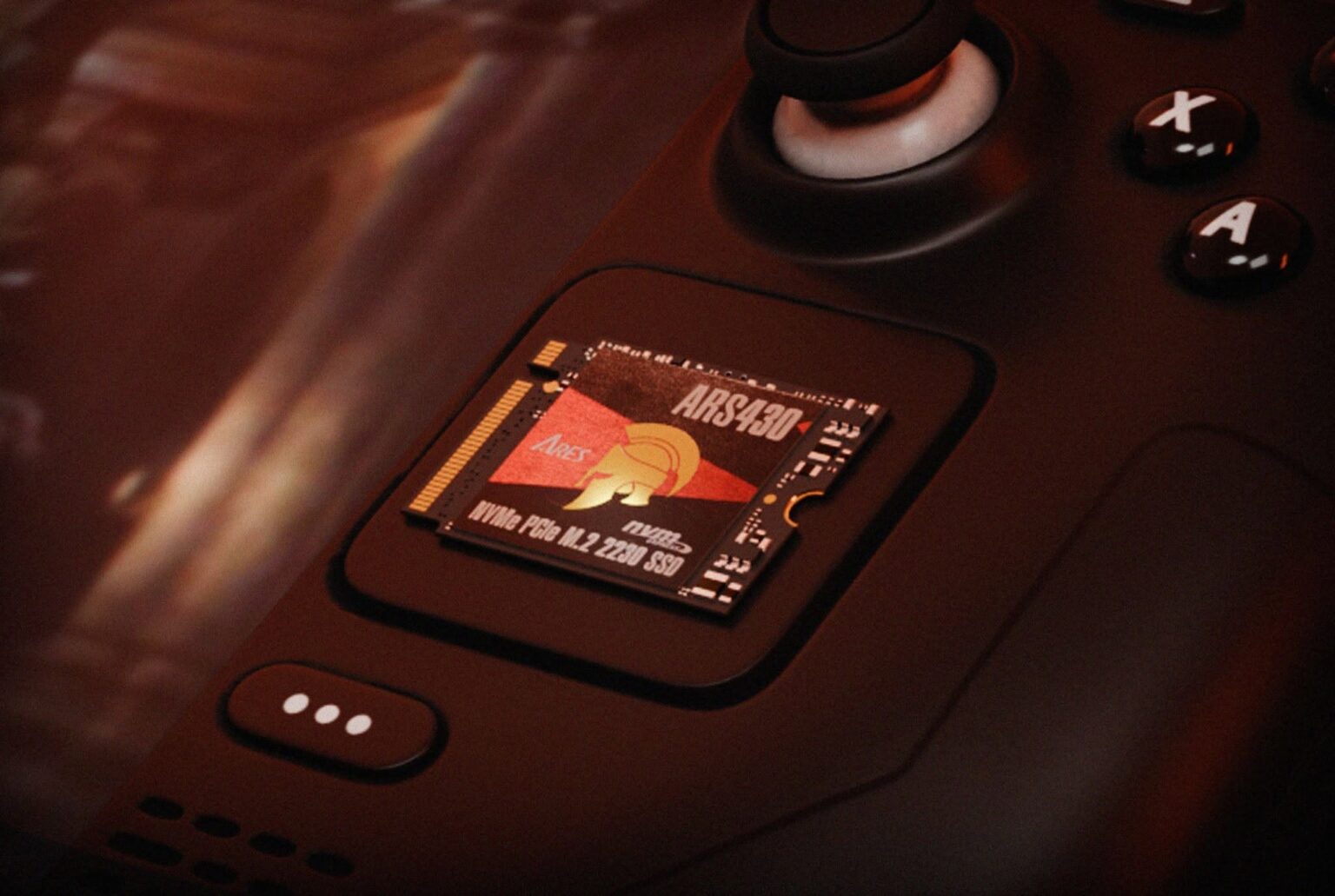
When Steam Deck storage starts running out, customers often assume that buying a larger microSD card is the only answer. It is not. Steam Deck gives users two practical ways to expand storage: add a microSD card for removable capacity, or replace the internal storage drive for a larger internal solution. Valve officially lists a UHS-I microSD slot for expansion on Steam Deck, while the internal drive remains the main internal storage.
Table of Contents
ToggleThe important point is that these two upgrades solve different problems. A microSD card is the simple “add more room” option. An SSD upgrade is the deeper “replace or expand the main internal storage” option. For a reseller, explaining that difference clearly is more useful than simply recommending the product with the largest speed number.

For many Steam Deck owners, the easiest upgrade is also the least disruptive one: add a microSD card. The card remains removable, does not require opening the console, and gives the user a convenient place to install additional games and store other files.
Valve’s official support documentation states that Steam Deck supports UHS-I microSD cards with Speed Class 3 or higher. It also notes that UHS-II and UHS-III cards are expected to work, but Steam Deck does not support their higher transfer speeds. In other words, putting a higher-interface card into the Steam Deck does not upgrade the console’s microSD interface.
There is also one small step customers sometimes miss: a new microSD card needs to be formatted for Steam Deck before it can be used. Steam provides the formatting function in Settings > System > Format SD Card. This is simple, but it is useful information for resellers to know because it can prevent unnecessary “the card is not working” support questions.
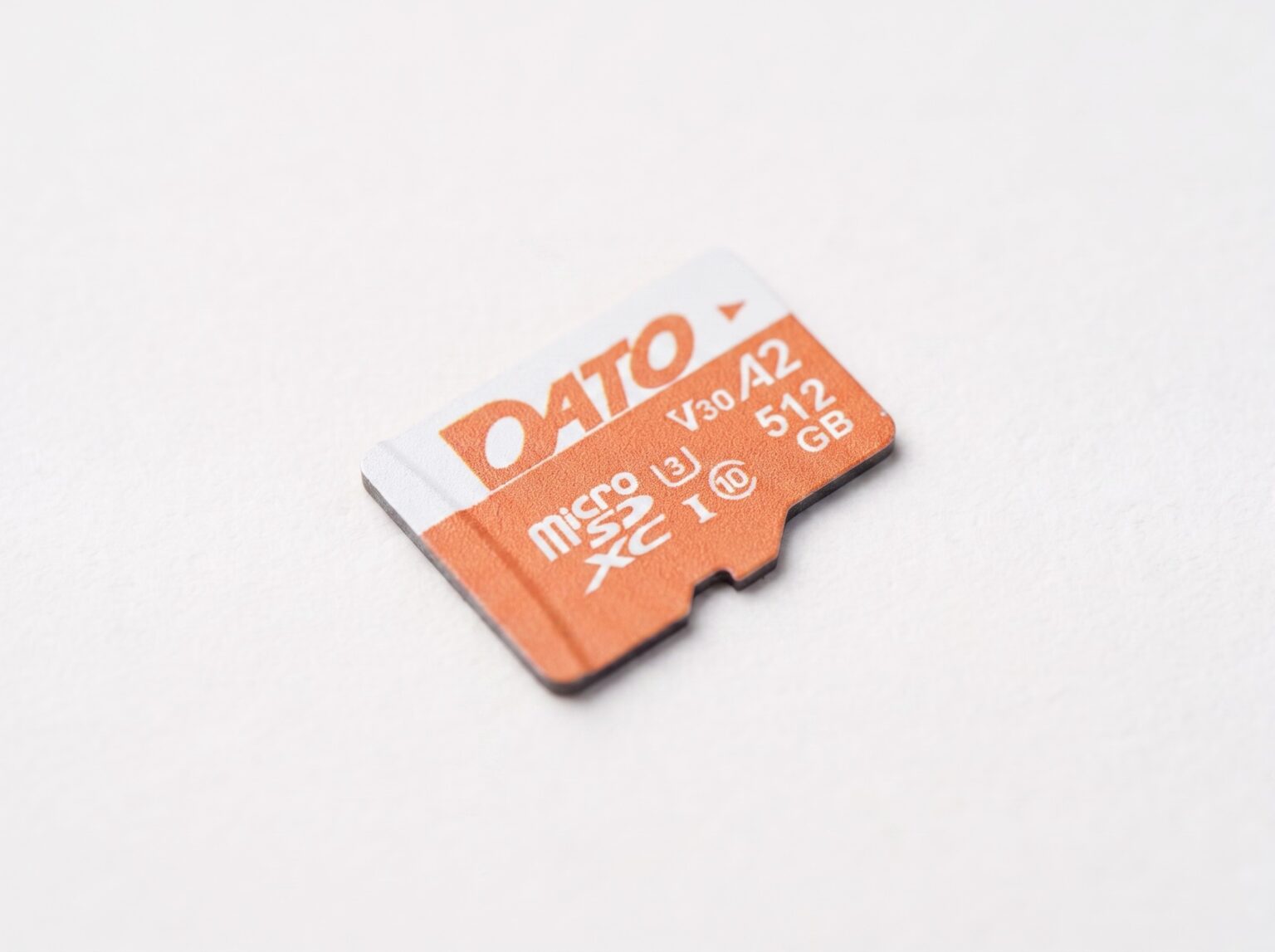
For Steam Deck customers who want easy capacity expansion, DATO Advance+ is positioned as a UHS-I microSD solution with a broad capacity range and application-oriented performance ratings.
DATO Advance+ Specification | Details |
Interface | UHS-I |
Performance Class | A2 / U3 / V30 |
Capacity | 128GB / 256GB / 512GB / 1TB / 1.5TB |
Max. Sequential Read | Up to 160 MB/s |
Max. Sequential Write | Up to 150 MB/s |
Operating Temperature | -25°C to 85°C |
Storage Temperature | -40°C to 85°C |
Warranty | 5-Year Limited Warranty |
The product range from 128GB to 1.5TB also gives distributors room to build several price and capacity points instead of carrying only one high-capacity SKU. The key is to position it as an easy capacity-expansion product for a UHS-I device—not as a replacement for the internal NVMe SSD.
The question changes when the customer says, “I want to upgrade the Steam Deck’s internal storage.” At that point, an SSD is the more relevant solution. Steam Deck is designed around internal storage, and an SSD upgrade addresses the main storage device instead of adding a removable storage layer.
This is also where expectations should be managed. A larger SSD gives the customer more internal capacity and can improve storage-related tasks compared with a slower internal drive, but it does not magically increase the Steam Deck’s CPU or GPU performance. Resellers should position an SSD upgrade as a storage and system-level upgrade—not as an automatic FPS upgrade.

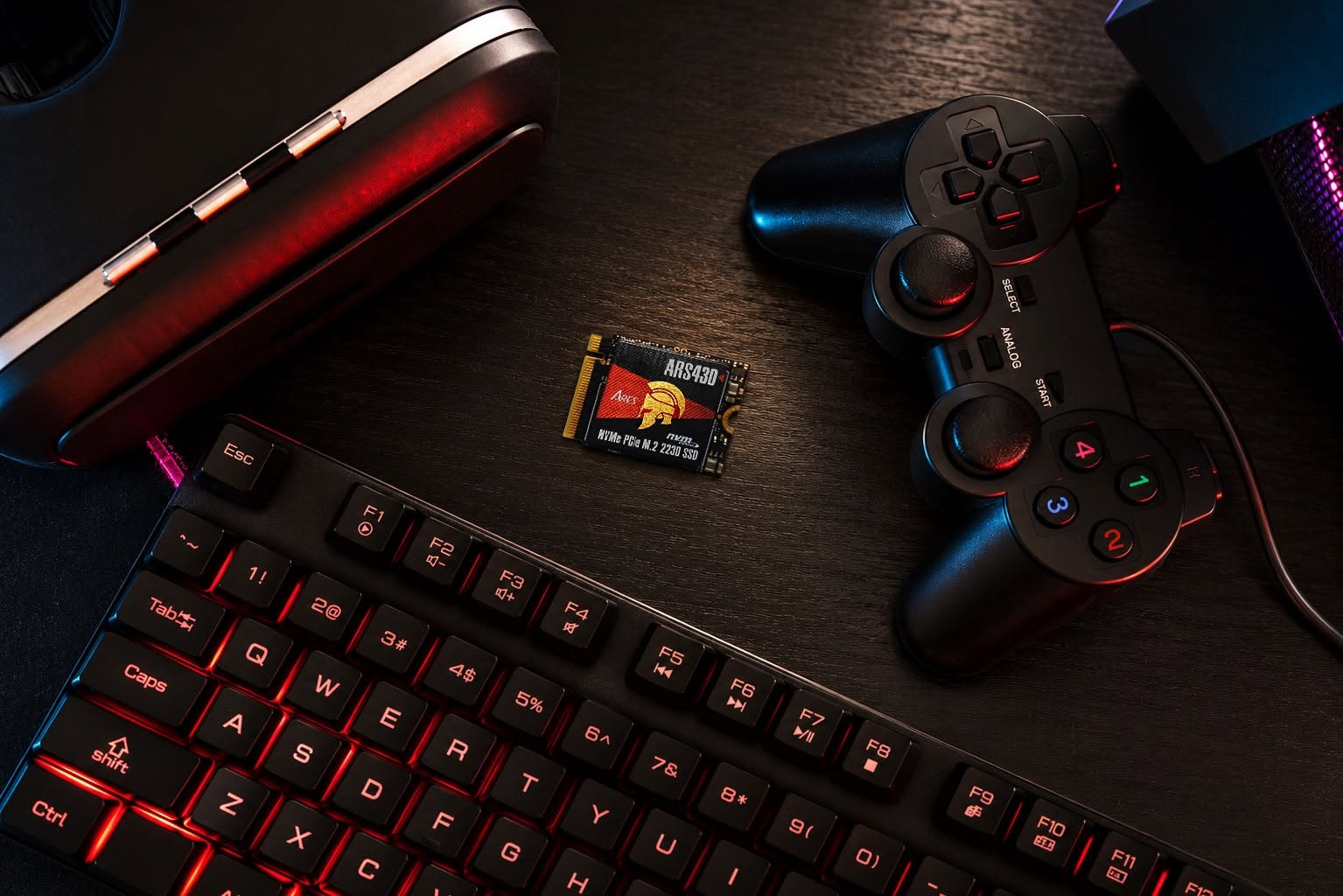
For customers who want a larger internal storage solution, Datotek offers the ARES ARS430 M.2 2230 PCIe Gen4x4 NVMe SSD. The compact 2230 form factor is particularly relevant for small devices such as Steam Deck, where physical space is limited.
ARES ARS430 Specification | Details |
Form Factor | M.2 2230 |
Interface | PCIe Gen4x4 NVMe 1.4 |
Capacity | 512GB / 1TB / 2TB |
Max. Sequential Read | Up to 5,000 MB/s |
Max. Sequential Write | Up to 3,200 MB/s |
Operating Temperature | 0°C to 70°C |
Storage Temperature | -40°C to 85°C |
Warranty | 5-Year Limited Warranty |
Dato’s product information specifically lists the ARS430 as a compact PCIe 2230 SSD for devices including Steam Deck, ROG Ally and Surface Pro. The aluminum heatsink is designed to help with thermal management during sustained workloads.
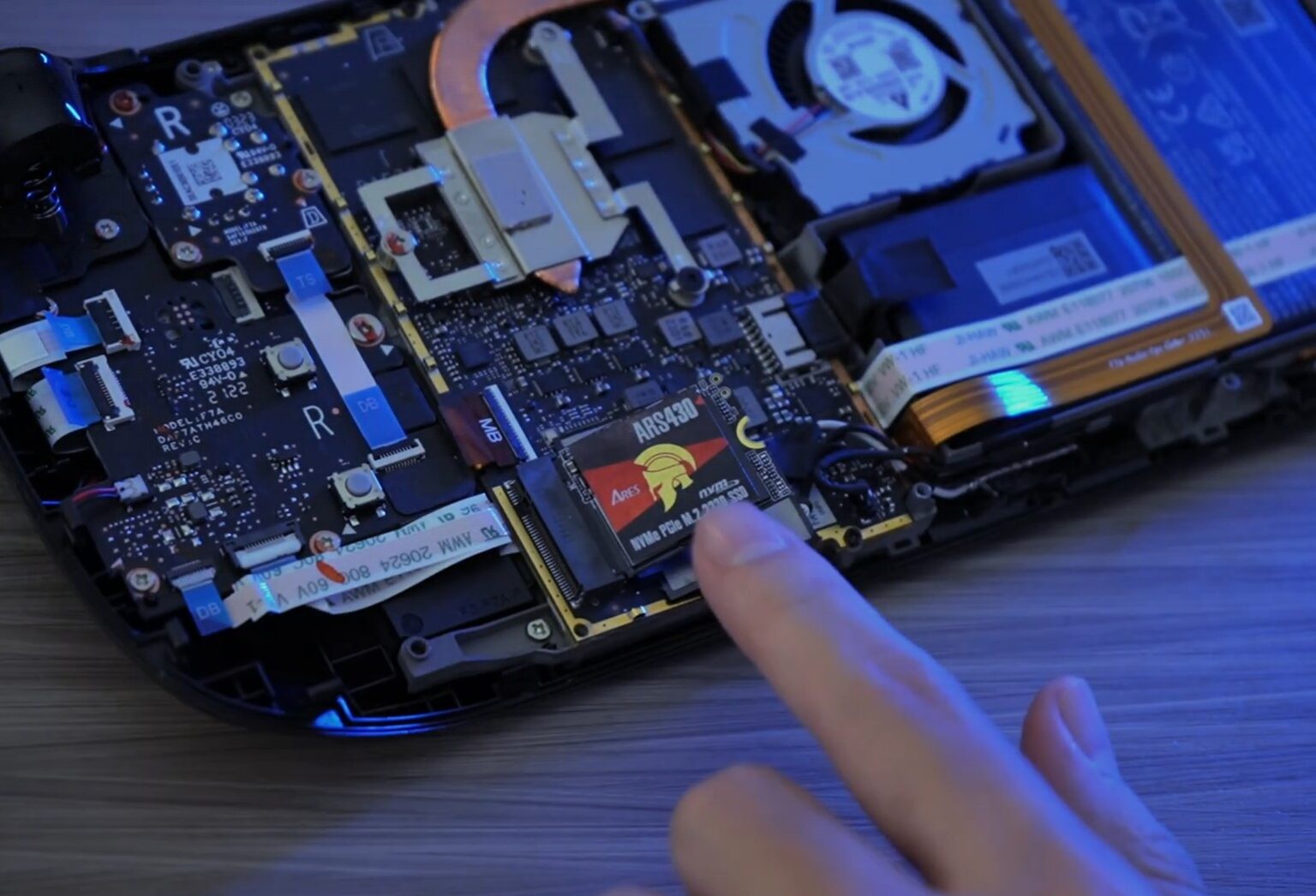
An SSD replacement is a more involved upgrade than adding a microSD card. The device has to be opened, the internal drive replaced, and the Steam Deck may need to be recovered or re-imaged so the new drive can run SteamOS correctly. Valve provides official SteamOS recovery and re-image procedures, and repair documentation for the Steam Deck identifies the internal drive as an M.2 2230 form factor.
The easiest way for a reseller to recommend the right product is to listen for the customer’s actual problem rather than starting with a speed specification.
Customer need | Recommended solution | Why |
“I just need more room for games.” | DATO Advance+ microSD | Easy removable capacity expansion. |
“I do not want to open the device.” | DATO Advance+ microSD | Simple installation and removal. |
“My internal storage is too small.” | ARES ARS430 SSD | Upgrades the main internal storage. |
“I want to replace the internal drive.” | ARES ARS430 SSD | M.2 2230 NVMe format for compact devices. |
“I want one supplier for different storage needs.” | DATO Memory & Storage portfolio | Supports a broader product conversation instead of a single SKU sale. |
For international buyers, distributors and resellers, the most important specification is not always the highest MB/s number. A storage product needs to fit the target device, deliver consistent performance, and remain available when the channel needs to replenish inventory.
This is where supplier capability becomes part of the product. Datotek positions its Memory & Storage business around multiple product categories, verified compatibility information for supported devices, and stable supply for channel partners. The goal is not simply to ship a component, but to help distributors build a portfolio they can sell with confidence.
When a Steam Deck user needs more storage, the right solution depends on what they want to upgrade. DATO Advance+ microSD provides a simple way to add removable storage without replacing the internal drive, while ARES ARS430 M.2 2230 NVMe SSD is designed for users looking to upgrade the Steam Deck’s internal storage.
For distributors and resellers, offering both solutions makes it easier to match the product to the customer’s needs. Instead of recommending storage based only on capacity or speed, you can provide a more practical choice: microSD for convenient capacity expansion, or an NVMe SSD for an internal storage upgrade.
With DATO Advance+ and ARES ARS430, Datotek provides storage solutions for two of the most common Steam Deck upgrade needs. Combined with Dato’s broader Memory & Storage portfolio, validated compatibility, and stable supply, this gives channel partners greater confidence when selecting products and supporting their customers.
Choose the right upgrade. Recommend the right product. Build with Datotek


DATOTEK INTERNATIONAL CO., LTD.
3F, No. 34, Alley 18, Lane 478, Ruiguang Rd., Taipei City 11492, Taiwan
TEL: +886-2-2658-1268
Email: datotek@datos.com.tw